

Training session support
Use training session support for practical help with photo days, print pack handling, and visual kit setup at site.
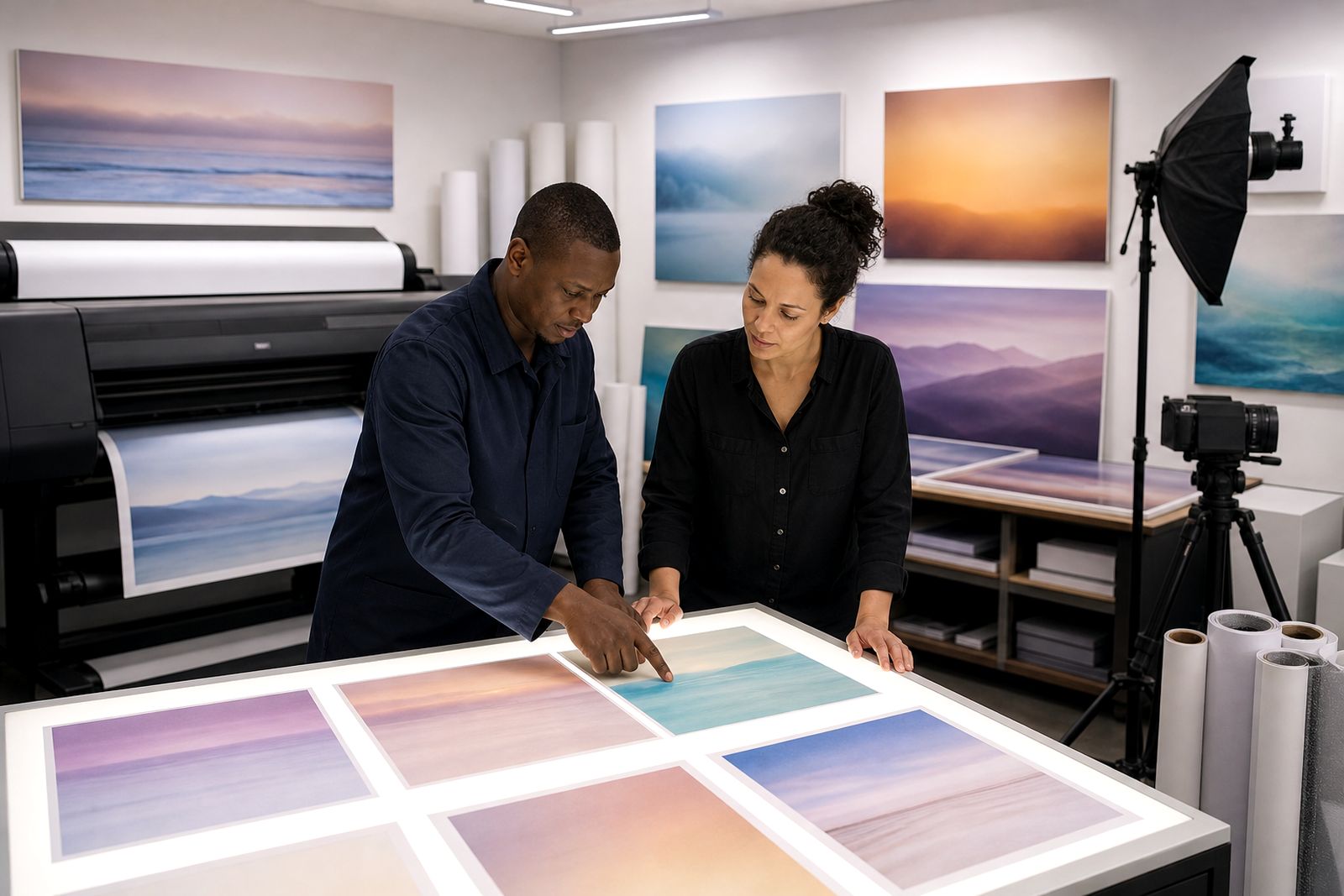
How training session support helps store teams use visual kits
Use it for photo day preparation, print pack handling, or visual kit processes that staff need to run correctly.
Training session support starts with the actual task your site team must perform with Mimage material. That may be setting up a photo day area, checking a print pack against store requirements, or following the right order for a visual kit install. South African trading conditions matter here, especially mall access times, power interruptions, dust on site, and coastal storage that can affect printed pieces before use.
Bring one current example into the session before any new stock is opened. A reference print, installed frame, or recent site photo gives the trainer a fixed point for checks and helps staff compare size, finish, placement, and handling. This reduces avoidable rework when teams are unpacking material in busy back-of-house areas.
Site tasks covered in session
Each training session support is built around the steps staff must repeat after the session ends. Teams work through the handling sequence, the visual standard to look for, and the checks to complete before anything is displayed, photographed, or signed off. Notes stay focused on the material in hand rather than general theory.
If the session links to a current job, include the site name and the kit being used in the contact form. That gives context for training around frame changes, print swaps, photo day preparation, or stock handling. Where relevant, the session can be aligned to related Packs, Shoots, or Frames requirements.
- Step order for the kit on site
- Checks before display or photography
- Questions logged against active site work
On-site conditions that affect training
Training session support is planned around the setting where the work happens, whether that is a store, activation space, stock room, or regional branch. Teams may need to work around mall opening rules, limited prep space, courier arrivals, or shared back-area counters. The session keeps those working conditions in view so the process fits the site, not an ideal setup.
Coastal humidity can curl certain printed items if packs are left open too long. Highveld dust shows quickly on dark surfaces, acrylic, and image areas before a photo is taken. Load-shedding also changes when devices can be charged, proofs can be viewed, and final checks can happen on site.
What to send before training session support
Send the training session support request with site photos, the branch or venue name, the date if booked, and the exact steps your staff need covered. Mention whether the session is for photo day prep, print pack use, visual kit setup, or a mix of these. Include any existing brand guides or install notes that the team must follow during the session.
Keep a record of the approved method used on the day, especially where teams sign off placement, image selection, or pack contents. Store that note with the job files and the relevant site images so future sessions can use the same standard. This is useful when several branches need the same process repeated across different locations.
What our Imaging and Print customers say
Verified Google reviews
Also worth a look
Tell us about your image job
Send a note through our contact form with what the images are for, the print sizes or channels, the media and finish you have in mind, how many pieces and your area, and we will come back with practical options and a quote.
Open the contact form