

Remote check support
Use remote check support to review imaging or print faults from photos and job details before any site visit.
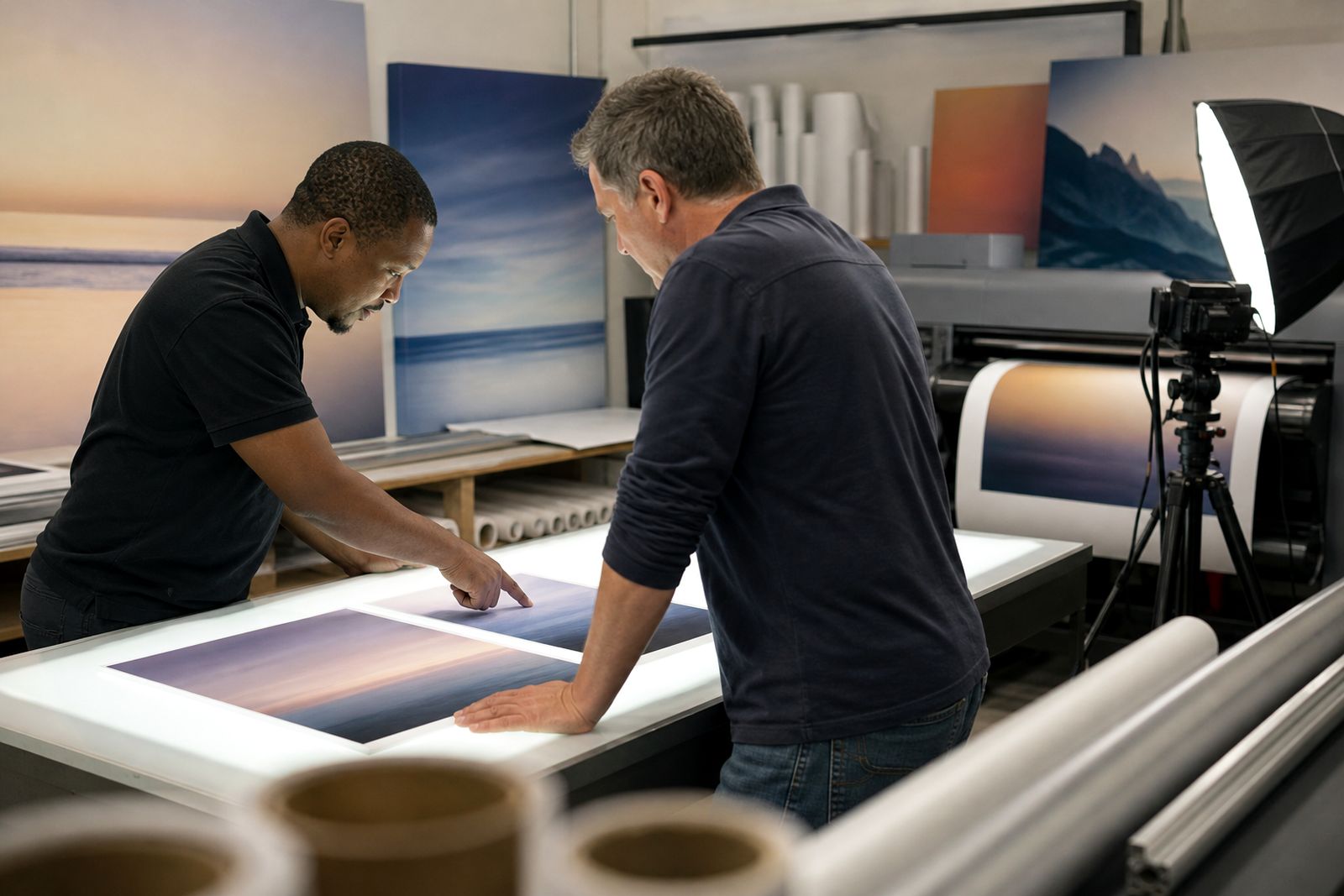
What to send before review
Remote check support is for reviewing an imaging or print issue without a site visit first. It suits teams who can share photos and job details for visual pack checks, display problems, or setup questions.
Remote check support works best when you send clear site photos, the size of the item, and where it is installed or packed. Lighting on shop counters, window glare, dust on displays, and phone camera colour shift can all change what we need to check for print packs, visual kits, or photo day prep.
Include one wide photo first, then close shots of the fault, the fixing method, and any printed piece or frame edge. A label, code, or job reference visible in the image helps separate the current item from older artwork or stock kept in store.
Checks covered in review
Remote check support can flag scale problems, print placement issues, glare on framed pieces, missing pack items, or setup errors on site. The review is based on what can be verified from your images and notes, so measurements, material names, and the branch or venue matter.
- Wide shot of the full area
- Close image of the issue
- Branch, venue, or site named clearly
Site conditions that affect findings
South African locations can vary sharply from one job to the next, even within the same rollout. Coastal humidity can curl printed pieces, Highveld dust shows up on dark frames and acrylic, and mall lighting often makes colour and reflection checks harder in photos.
Load-shedding, generator light, and after-hours access can also affect what a camera captures during a remote review. Where a display was packed, stored, or mounted may explain edge wear, bowing, or marks that are not visible in artwork files.
Notes that help us assess
Send the site name, date, item dimensions, and a short description of what looks wrong or incomplete. Mention whether the piece is vinyl, board, paper print, frame, or another display component so the check matches the material on hand.
It also helps to say who took the photos, whether the item has been reinstalled, and if any previous version is still on site. When stock, prints, or hardware were swapped between branches, include that detail with the image set.
What our Imaging and Print customers say
Verified Google reviews
Also worth a look

Tell us about your image job
Send a note through our contact form with what the images are for, the print sizes or channels, the media and finish you have in mind, how many pieces and your area, and we will come back with practical options and a quote.
Open the contact form