

Commissioning support
Commissioning support helps your team plan how printed and imaging pieces are prepared, labelled and handed over before your own fitters mount them on site.
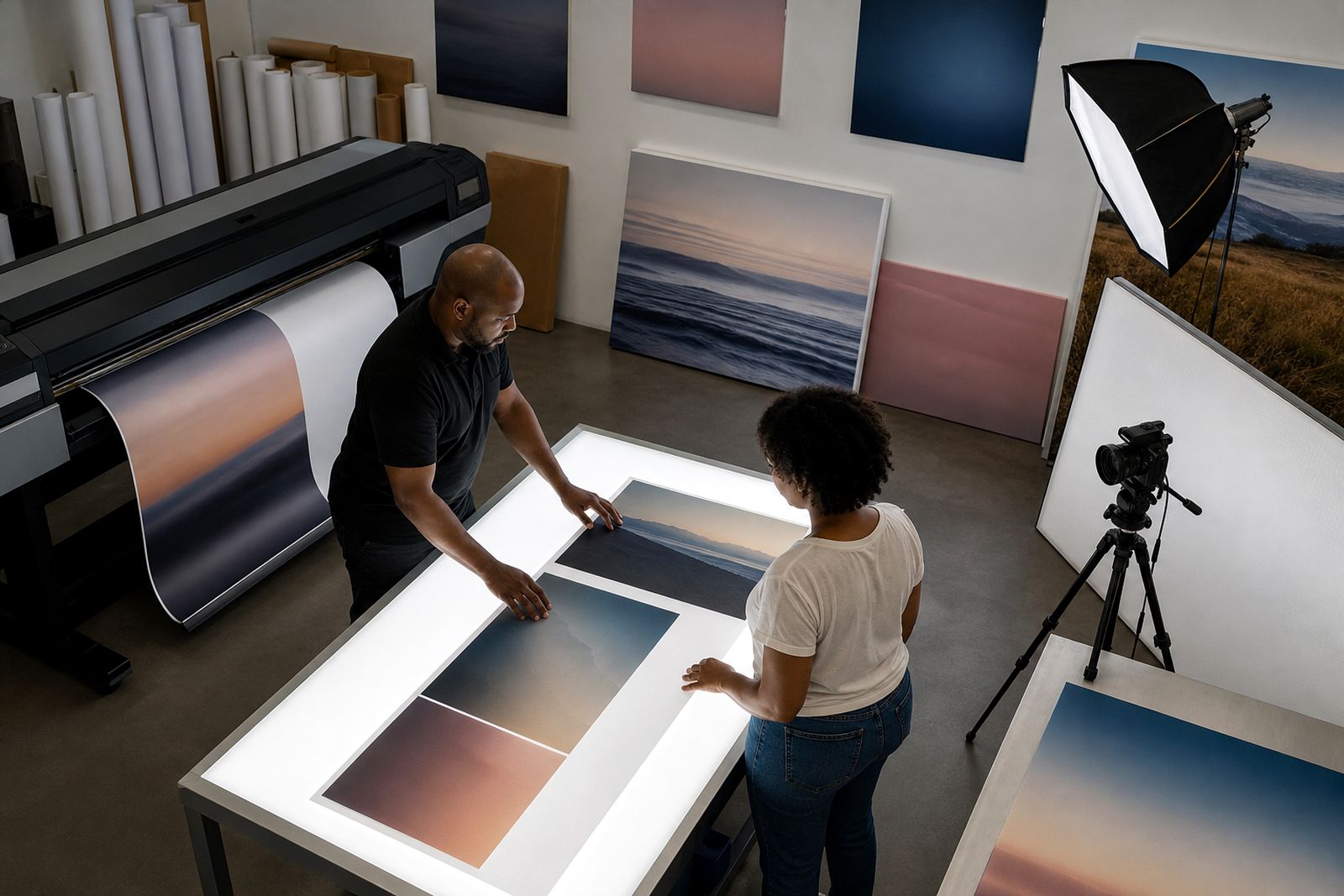
Site setup checks before handover
Our commissioning support covers the practical setup of imaging and print requirements on site. Your team gets a clear handover for branded material, display items, or related visual pack elements.
Commissioning starts with the site, the branded pieces, and the way they must be installed or displayed. Coastal humidity in Durban, dust on inland routes, power interruptions, and access times at malls or offices all change how print items, image sets, and visual packs should be prepared.
Take opening photos before anything is mounted, packed away, or sent to stores. A short record with dimensions, placement, and version details helps when stock is topped up later or when a branch needs the same visual kit matched to the first install.
What goes out with the job
The handover usually includes labelled print material, reference images, fitment notes, and a check list for the receiving team. That keeps the artwork version, quantity, and display position clear when the job moves from studio, print room, or pack bench to site.
Before widening the rollout, match the commissioning file to the related image set and any frame or display requirement noted for the branch.
- Labelled packs for each branch or site
- Opening condition photos before installation starts
- Checked notes for print and display teams
Conditions that affect SA roll-outs
Commissioning work has to fit dispatch windows, receiving hours, and access rules at shopping centres, offices, clinics, or campuses. Existing artwork libraries, old print specs, and branch-by-branch differences should be flagged early so replacement pieces do not arrive with the wrong trim, size, or branding.
Sea air can affect wrapped stock and display components kept near the coast. Dry inland conditions leave dust on acrylic, frames, and samples, which matters when photo records are taken on site. Load-shedding also changes proofing and sign-off timing when printers, cutters, or screens are in use.
Commissioning brief details to send
Include site photos, access times, dimensions, and any issue found during previous installs or removals. Mention whether the job covers window graphics, counter units, framed prints, point-of-sale pieces, or a mixed visual kit so the commissioning notes match what will be handled on site.
Capture the snag list and final site notes while the setup is still in front of the team. Keep the commissioning record with the project file, print specs, and approval trail so buyers and branch staff can check exactly what was installed and where.
What our Imaging and Print customers say
Verified Google reviews
Also worth a look
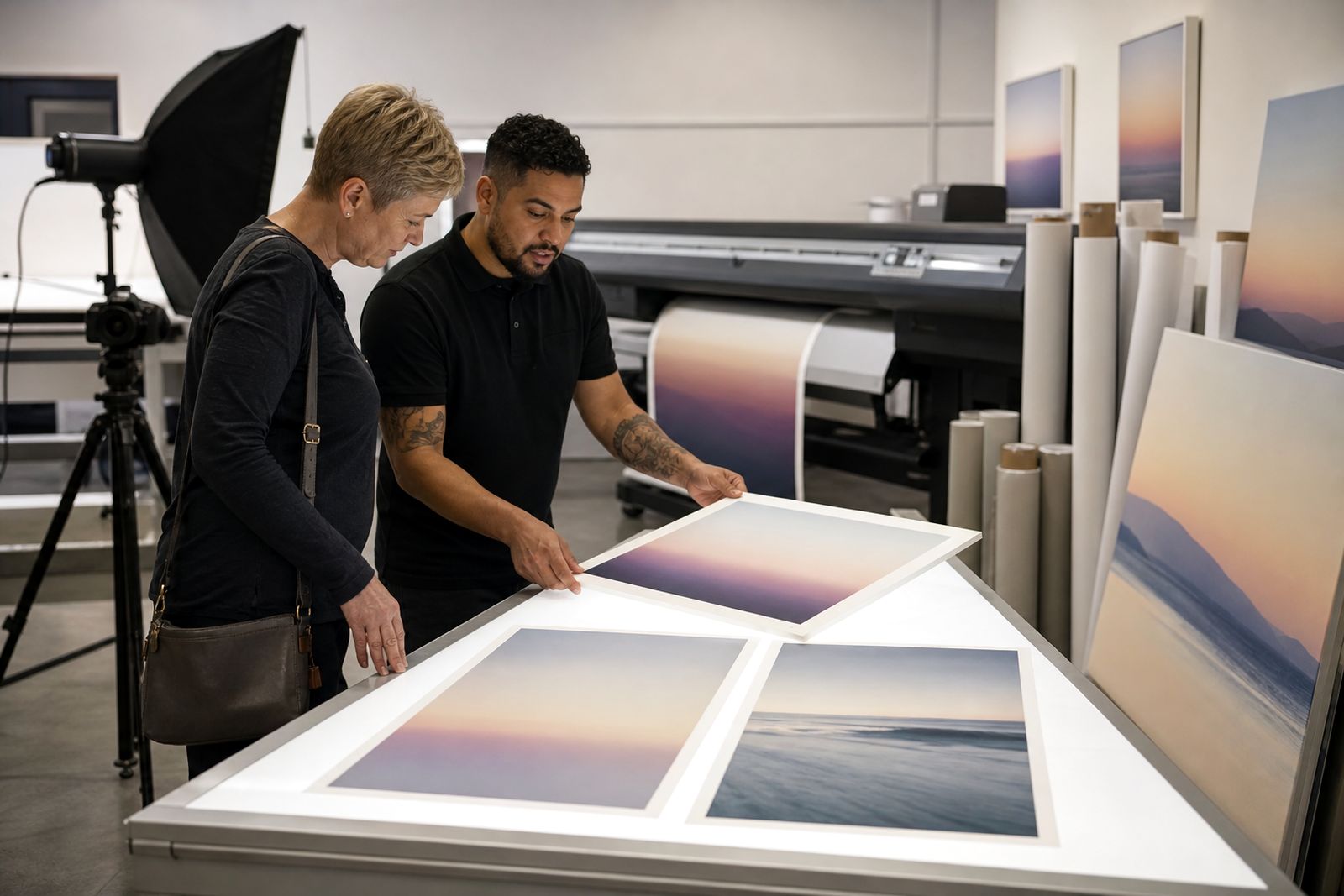
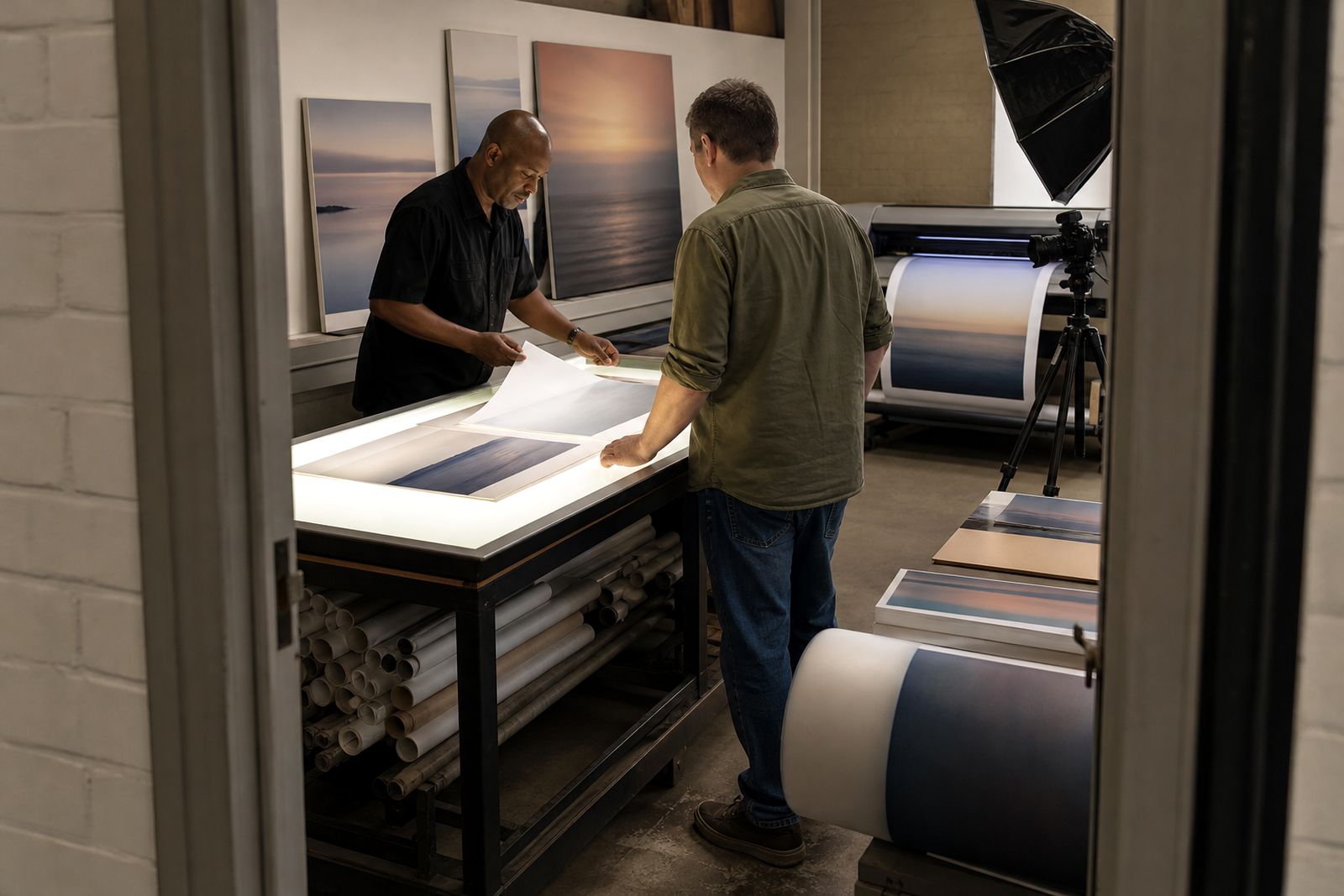


Tell us about your image job
Send a note through our contact form with what the images are for, the print sizes or channels, the media and finish you have in mind, how many pieces and your area, and we will come back with practical options and a quote.
Open the contact form