

Print pack specs
Print pack specs cover file preparation, artwork requirements and print applications needed before approval and output.
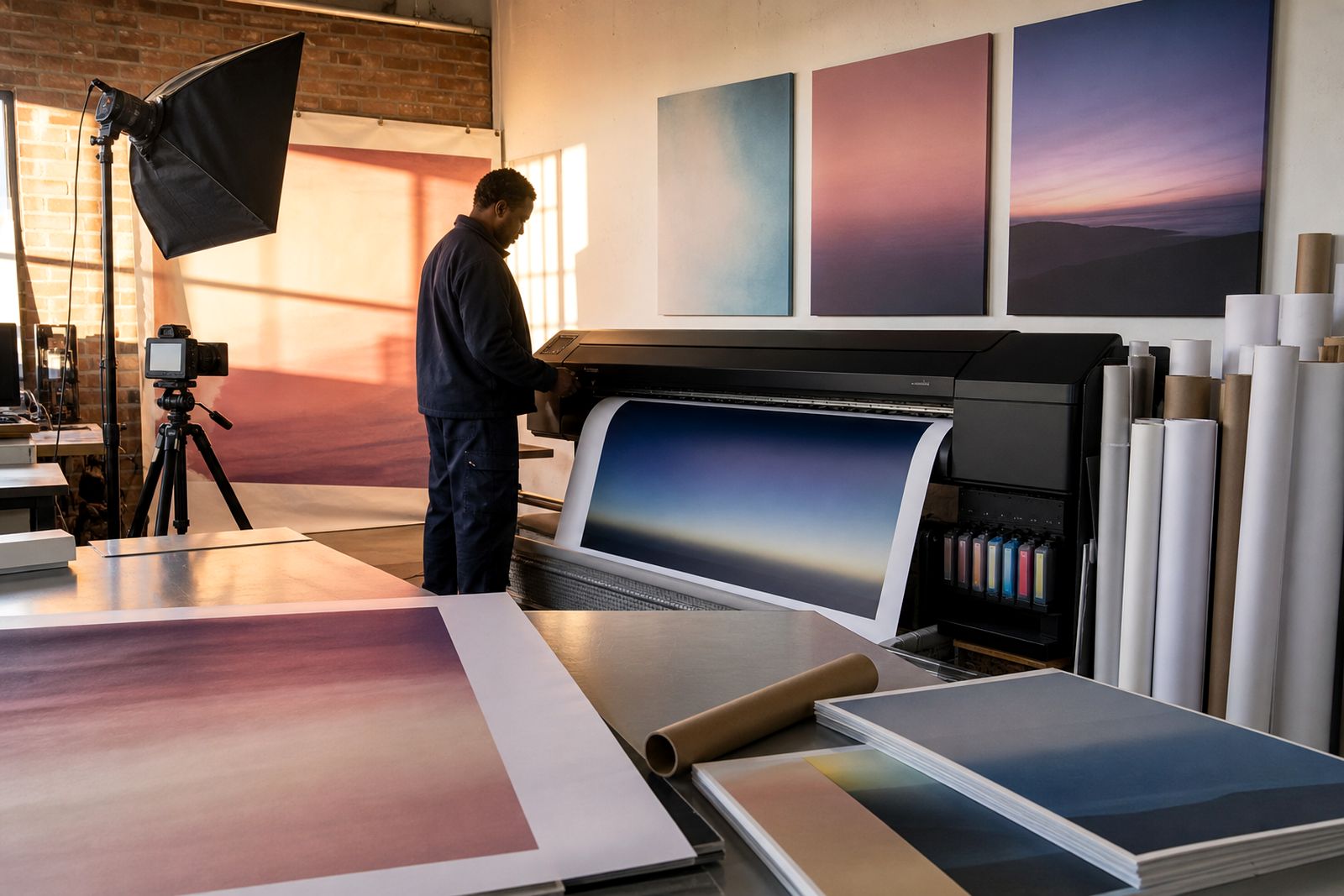
Print file settings that matter
The technical side of print packs covers file preparation, print applications, artwork requirements, and the items needed before approval.
Set artwork at final size with bleed, trim marks only when requested, and images supplied at print-ready resolution. CMYK output should be checked against the intended stock, because coated and uncoated sheets can shift density and make small brand colours look different between runs. For cartons, inserts, and shelf material, note the finished dimensions exactly as packed and displayed.
Include one approved visual reference with the pack so production, procurement, and store teams are looking at the same item. That image should show front view, scale, and any critical folds, creases, or finishing points. When a reprint is needed later, the reference helps identify the correct version before plates or digital output are released.
What the specs pack includes
Use this to capture size, stock, finish, quantity break, and any packing instruction tied to the print pack. It should also note artwork version names, barcode placement, and whether the job needs lamination, scoring, die cutting, or simple straight trimming. Clear notes reduce confusion between the approved sample and the file that goes to print.
Add links to related production notes only where they affect the printed item, such as display fitment, inserted cards, or frame dimensions. Before sending details through the contact form, say it is a print pack, attach one current example, and note any known issue with colour, cut, or material. That gives the receiving team the exact reference points needed for the specs check.
- Final size, bleed, and safe area
- Stock, finish, and packing notes
- Artwork version and approval record
Checks for South African rollout
National print packs often need one spec that works for Johannesburg, Durban, Cape Town, and smaller branches receiving stock by courier. Record whether pieces will be handled in store, packed with product, or installed by merchandisers, because that changes stock choice and finish. If existing artwork libraries or prior print specs exist, reference them by name so the latest files are not confused with retired versions.
Humidity on the coast can affect storage and curling on lighter stocks, while inland dust can mark dark solids during handling and sample review. Load-shedding may interrupt proofing windows, so approval notes must be saved clearly with the file set. Where mall access or warehouse intake hours apply, include those constraints in the pack notes, not only in email traffic.
Brief details to include upfront
Send the intended use, item count, finished size, and photos of any current piece that is being replaced or corrected. Mention what failed on the last run, whether it was colour drift, weak board, cracked folds, trimmed logos, or packing damage. Those details change the technical checks required before approval.
Save the specs sheet with the matching artwork files, reference images, and any print approval note while the job information is still accurate. When purchasing or brand teams request sign-off, they should be able to see the exact version, application, and material call-up without searching through multiple threads. A complete record is especially useful when the same pack is reordered for another region or campaign update.
What our Imaging and Print customers say
Verified Google reviews
Also worth a look


Tell us about your image job
Send a note through our contact form with what the images are for, the print sizes or channels, the media and finish you have in mind, how many pieces and your area, and we will come back with practical options and a quote.
Open the contact form