

Print pack
Print pack brings artwork, image selection and production files together for physical print use across campaigns and retail rollouts.

Press-ready artwork for roll-outs
Print pack brings artwork, image selection, and production files together for physical print use. It is suited to brands that need press-ready material for campaigns, point-of-sale, or packaged visual rollouts.
Specify the item, trim size, stock, and where it will be used before files are prepared. Window posters, shelf strips, swing tags, carton labels, and counter cards each need different output settings. Conditions in Johannesburg, Durban, Cape Town, and regional branches can also affect packing, transport, and how samples are checked on arrival.
A physical reference matters when colour, finish, or scale could be disputed later. The pack can include a master visual, version note, and print reference that stays with the job file or purchase order. That record helps when a campaign is reprinted for another store group or province.
Files prepared for print production
The pack is set up to support quoting, proofing, print production, and sign-off. Depending on the job, it may contain final artwork, image selections, size callouts, placement views, and output files suited to the printer's process. This keeps campaign material, point-of-sale pieces, and packaged visuals aligned across the run.
Use print packs when the same visual must be reproduced accurately across multiple printed items. It helps to reference related image work and display formats before extra versions are requested. When you send an enquiry through the contact form, describe the printed item and the quantity you need.
- Approved artwork grouped by print use
- Output files checked before production begins
- Version notes for buyers and printers
Checks for South African print conditions
Retail campaigns and branch roll-outs often need material delivered around mall access times, warehouse intake rules, and courier schedules. East Rand freight timing, regional distribution, and store opening dates can all influence how print packs are assembled. Existing brand libraries, dielines, and previous specs should be flagged at briefing stage so the correct source files are used.
Storage conditions matter once printed pieces leave the press. Coastal air in Durban can affect packaging and handling, while inland dust in Gauteng shows quickly on samples prepared for approval photos. Scheduled outages also change when teams can review proofs, so physical samples are best checked during the available window.
What to send with artwork
Include current artwork, dimensions, quantity estimates, and photos of where the piece will appear. It also helps to note any print problem from the last run, such as colour drift, incorrect scaling, or text falling inside a trim edge.
Keep approval notes with the final files once the version is locked. When procurement or marketing asks for sign-off history, the pack should show which artwork was cleared for print and which supporting files belong with it.
Related pages
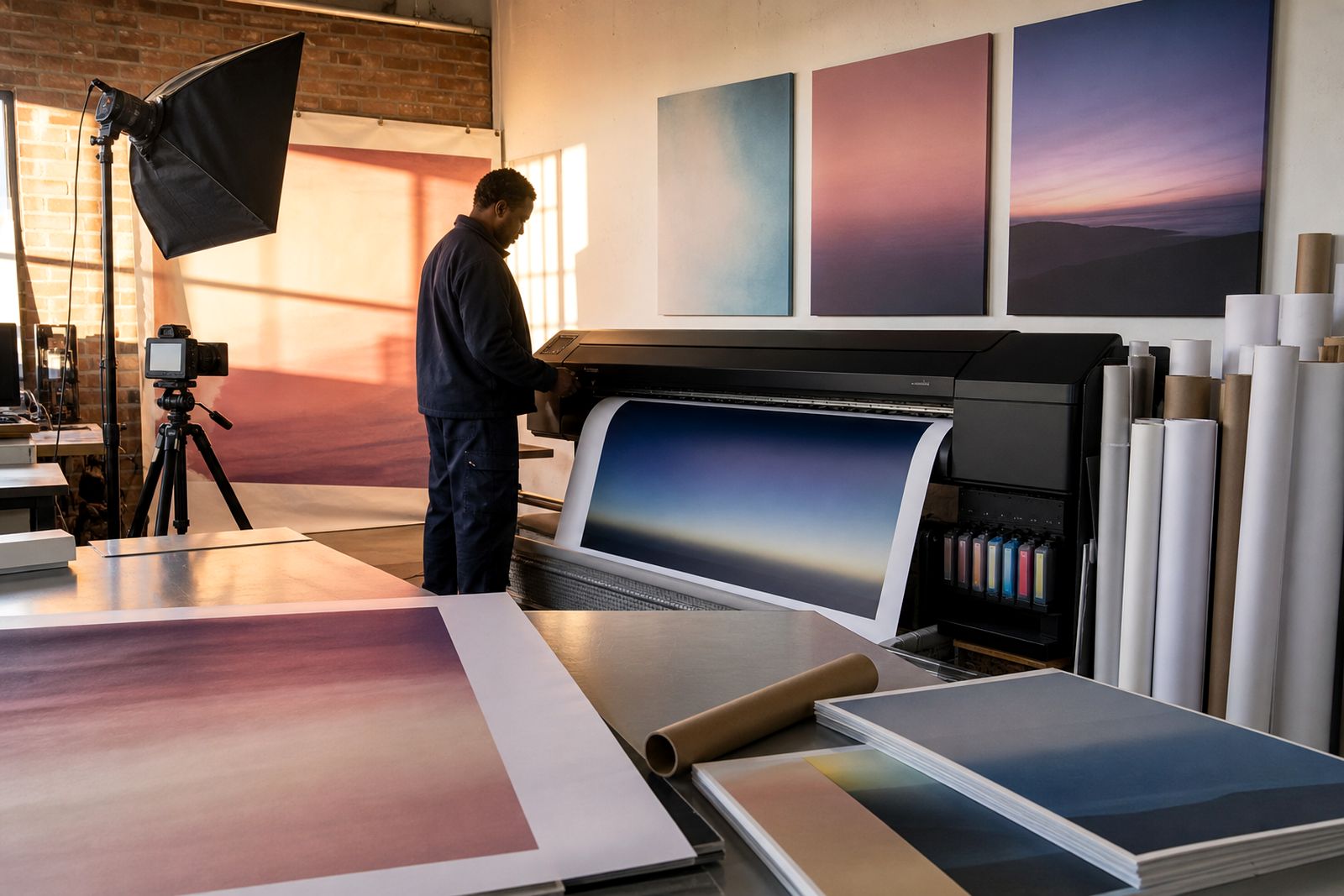
Print pack specs
Print pack specs explain file setup, artwork requirements and print application details needed before approval and output.
Read more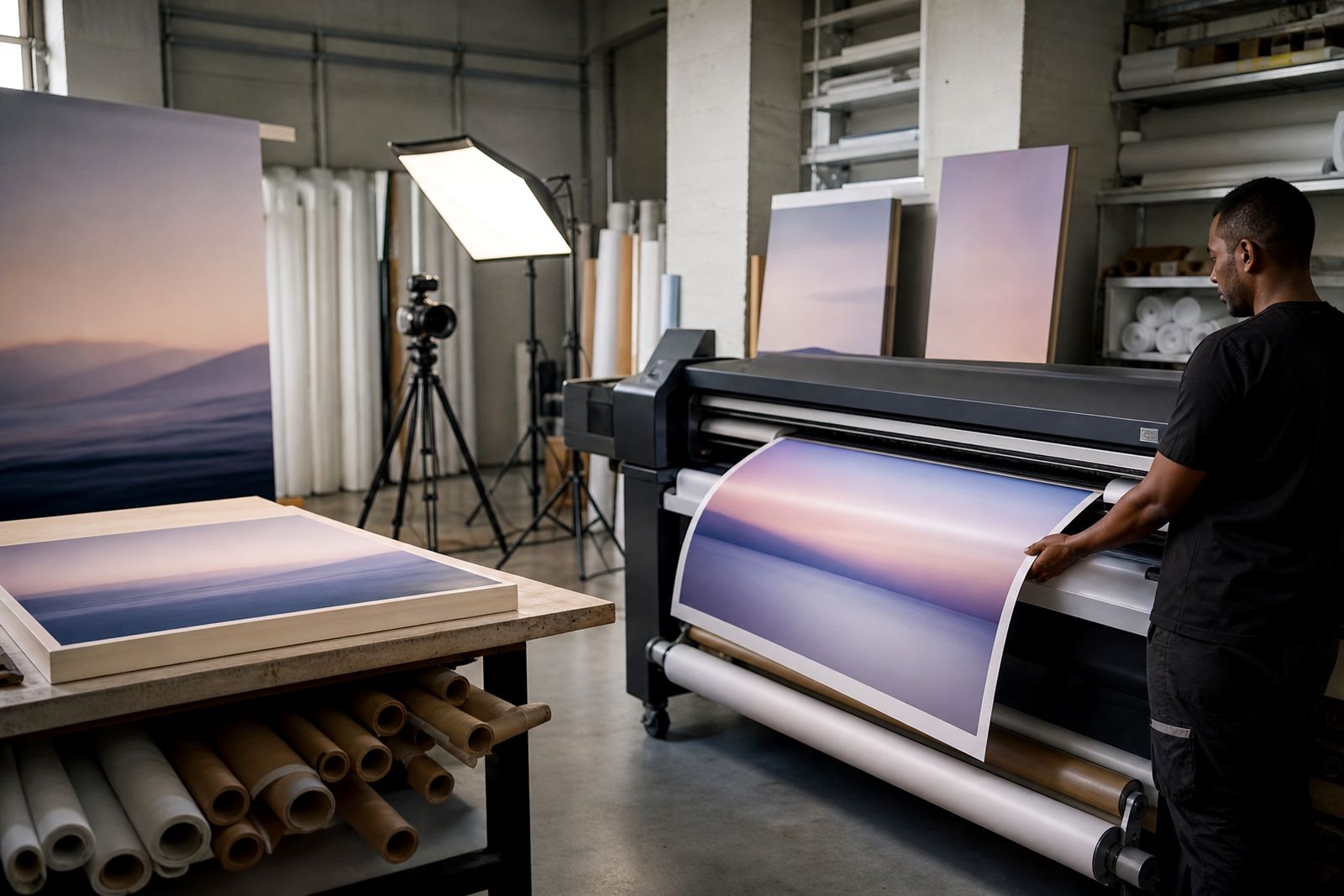
Retouch pass
Use retouch pass for image clean-up and finishing when product or campaign visuals need a more consistent final look.
Read more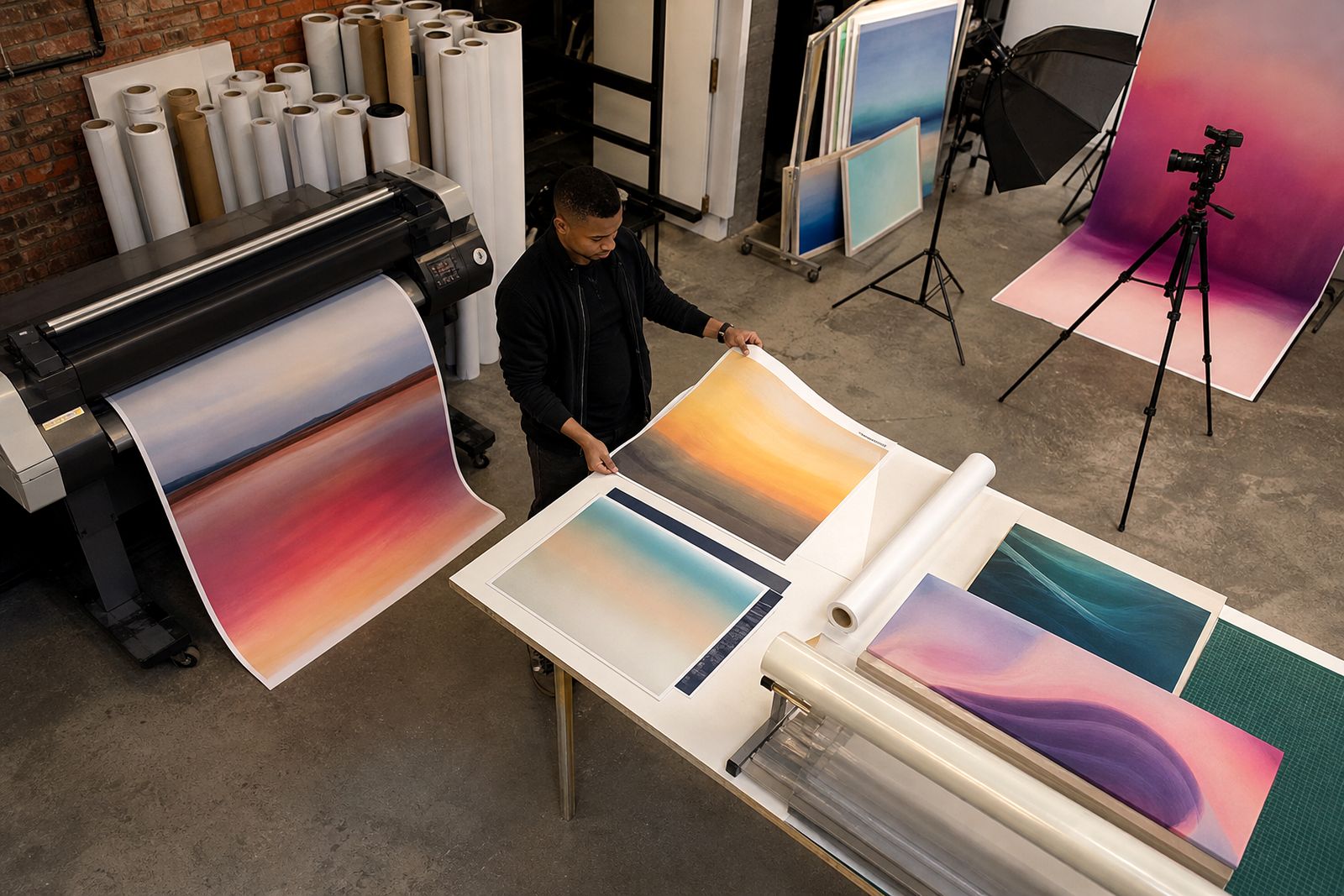
Social cut pack
Social cut packs deliver edited short-form visuals for posts, launches and campaign snippets across social channels and brand pages.
Read moreWhat our Imaging and Print customers say
Verified Google reviews
Tell us about your image job
Send a note through our contact form with what the images are for, the print sizes or channels, the media and finish you have in mind, how many pieces and your area, and we will come back with practical options and a quote.
Open the contact form