

Power window note
A practical note on power windows for teams that need smoother setup days.
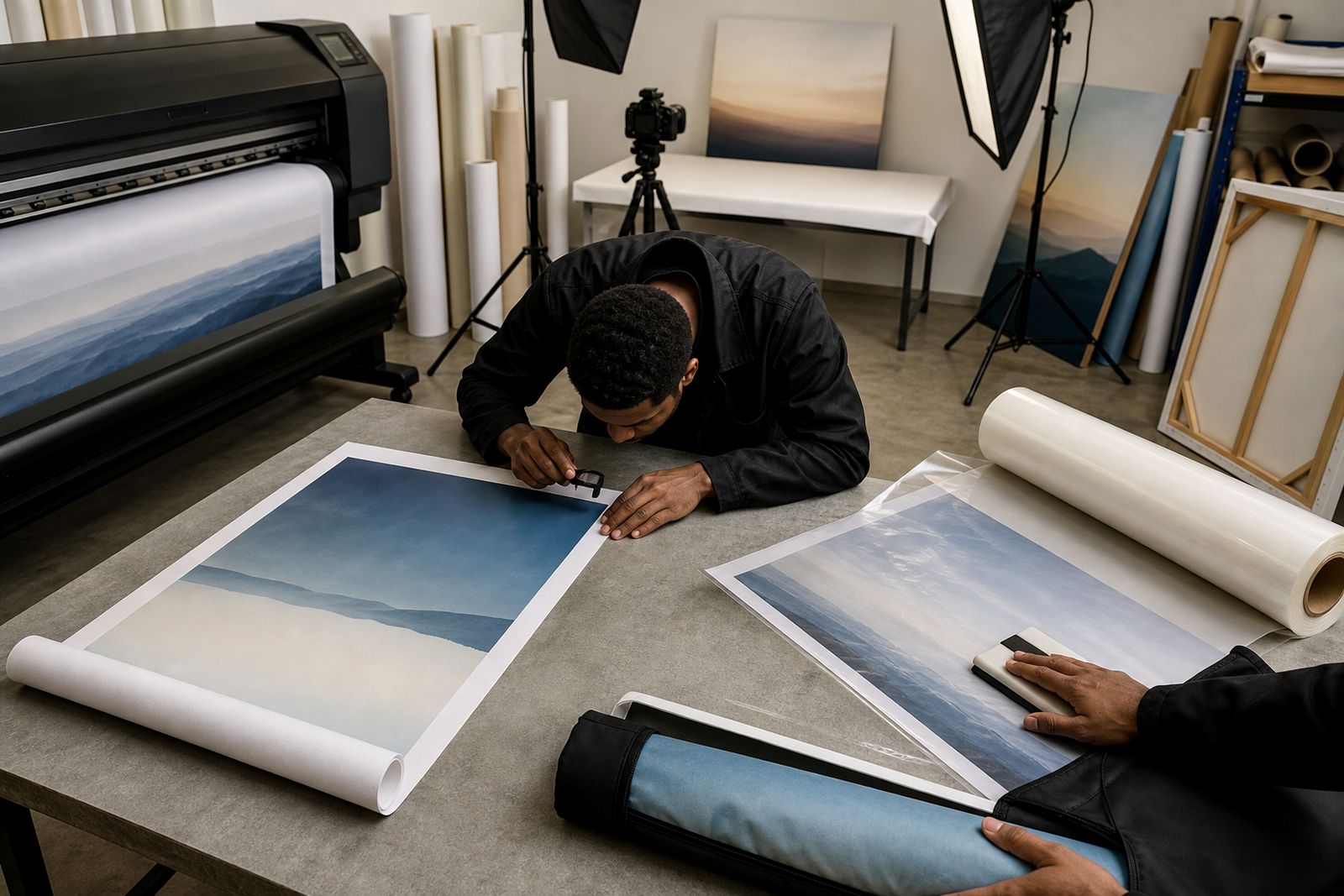
Power windows on setup days
A practical note on power windows for teams that need smoother setup days.
Light makes or breaks visual work. On South African shoots and print checks, harsh sun through the window can wash out colour, hide texture, or turn a neat display into a glare problem. Power window note looks at using available light better when photographing products, spaces, and branded material.
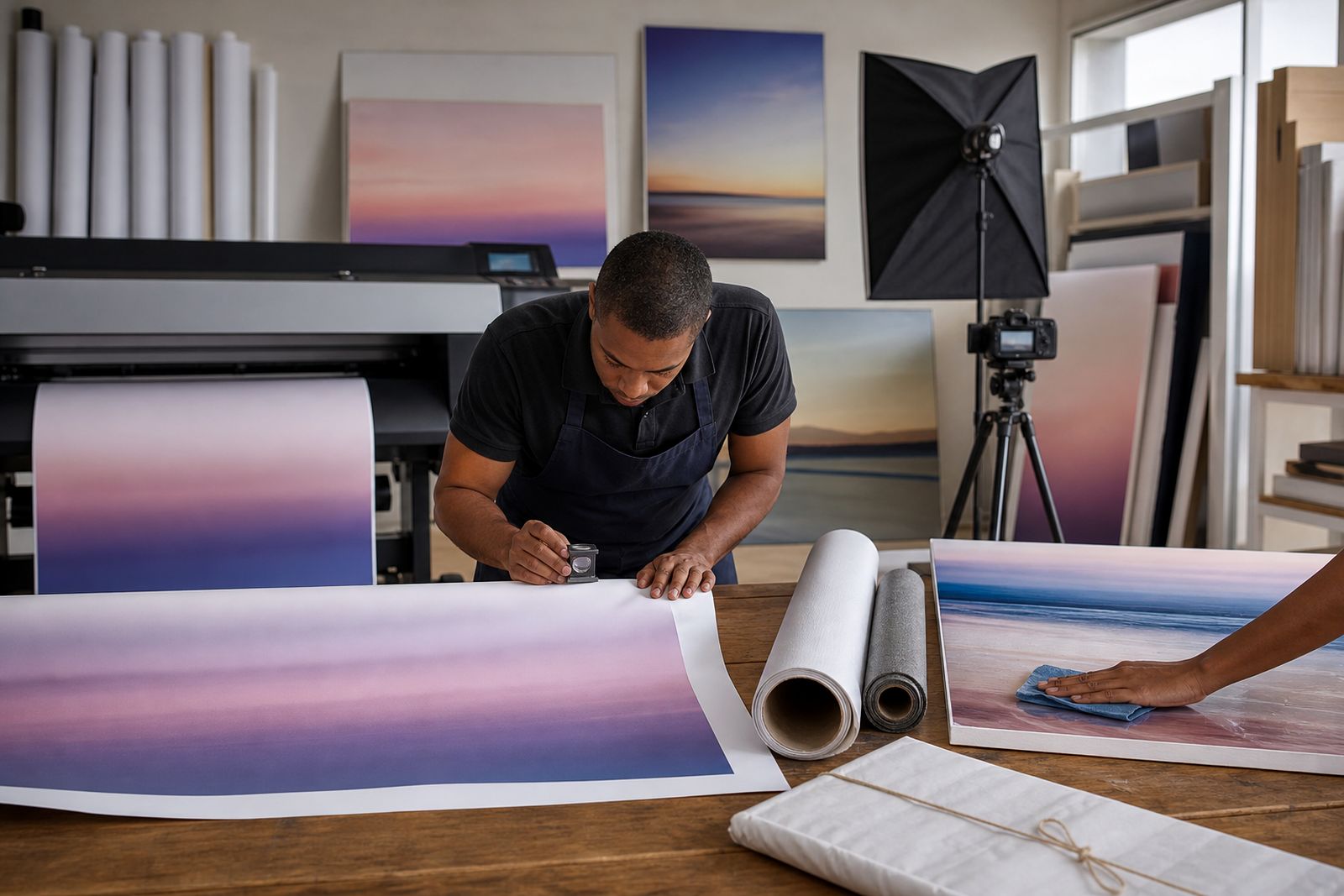
Power window note is about timing the job around usable electricity and workable light. On mallfront installs, studio pack-downs, and on-site print checks, that usually means charging bodies and lights early, then using the live window for tethering, test prints, and monitor checks. If this note matches your setup, mention power window note in the contact form.
- Charging slot and switch-on time logged
- Window light reference shot saved before gear moves
- Cable route and plug points marked clearly
- On-site lead named with mobile number
For this note, pair the lighting advice with the service pages that involve setup, print checks, or product photography. Power window note is about using the available powered period wisely, from charging lights and batteries to checking a first print under controlled light. That context helps teams match the page to an actual studio session, mallfront shoot, or pack review.
How the power window note affects mallfront shoots
Power window note covers the setup periods when power is available and the job needs to move fast. It helps teams plan charging, printing and equipment use around the working window on site or in studio.
Start with the room, the plugs, and the direction of the windows. Morning glare in Johannesburg, sea haze in Durban, and a late Cape Town sun can all shift how products read on camera and how proofs look on a table. For visual kits and print packs, those conditions matter before the first frame is made.
Take one image of the first light condition before blinds move or lights come on. Keep a short note with the stock, the proof, or the PO that records the time, window side, and whether mains power was stable. That small record helps when the same display or product has to be checked again.
What the team records
The useful outcome is a working order for power, light, and checks. That can include when batteries go on charge, when colour gets reviewed, and when the print sample is safest to inspect away from glare. One clear run sheet is more useful than a pile of partial notes passed around on site.
Read the power window note with the related shoot and frame notes if the job moves between studio and site. Before handover, check reflective surfaces, extension leads, and any print sample viewed near glass. A photo of the window light falling on the setup tells us a lot.
- Run order built around available power
- First light condition photographed on arrival
- Contact details for site access and power
Site conditions that shift the job
Mall trading hours, generator changeovers, and loading bay access can alter the useful work window more than the shot list does. A branch rollout may also mean different plug layouts, glazing, and signage light from one centre to the next. Note existing artwork specs, monitor settings, and any battery-powered kit before the day starts.
Coastal humidity can soften packaging stock if samples sit near an open door too long. Inland dust shows quickly on acrylic, black substrates, and framed pieces once sunlight cuts across them. During power cuts, teams often shift to battery lights and handheld checks, so the viewing position for proofs becomes even more important.
Power window notes to bring
A practical note on power windows for teams that need smoother setup days.
Write the timing note while the sequence is still fresh. Include the switch-on period, the best window side for review, and any point where glare changed the reading of colour or texture. Keep it with the project files when approval is needed for the next print or photo session.
What our Imaging and Print customers say
Verified Google reviews
Also worth a look
Tell us about your image job
Send a note through our contact form with what the images are for, the print sizes or channels, the media and finish you have in mind, how many pieces and your area, and we will come back with practical options and a quote.
Open the contact form