

Audit trail note
An audit trail note for procurement teams tracking artwork versions, print counts, briefing changes, and approval records.
Version control records
An audit trail note for procurement teams tracking artwork versions, print counts, briefing changes, and approval records.
Small misses cause big delays in imaging and print: no reference photo, unclear job email, or dispatch details sent without quantities. Audit trail note is our note for teams that want cleaner handovers across artwork, print and delivery.
Keeps a clear record of artwork changes, print quantities and approvals on a live job. On work moving through Gauteng, KwaZulu-Natal and the Western Cape, a missing version note can create duplicate output or the wrong pack on dispatch. If you need this record kept, name the audit trail note in the contact form entry.
- Latest artwork version dated and named
- Reference photo saved with the job record
- Folder location noted for every live file
- Buyer, brand contact and approver identified
Use this note alongside the relevant print pack, photo day or visual kit page. Audit trail note deals with control points, not product specs, so the record stays useful from brief to delivery. That split makes it easier for procurement, marketing and site teams to follow the same job history.
Audit trail for print packs
Audit trail note covers the records that keep a print or imaging job clear while it moves between briefing, artwork, approval and delivery. Use it when your team needs one trail for version changes, print quantities and sign-off notes.
Start the trail with the item description, run quantity and destination branch or venue. Conditions differ between Johannesburg, Durban and Cape Town, and those differences affect packing, storage and delivery notes. A clear record matters even more when stock moves onward to smaller towns after the first drop.
Keep the first visual reference with the brief, even when it is a quick phone image from site. Add print size, material call-outs and any previous issue the team is trying to avoid. Those details help when a job is rechecked after storage damage, handling marks or a disputed proof.
Job records to keep
An effective trail names the approved file, the printed count and the person who signed off each change. It should also show what was sent, where it was sent and what still needs confirmation before dispatch. That record is more useful than a long email chain with half the context missing.
Link this note to the related frames or shoots note when one campaign uses more than one output. Before goods leave, review the final pack list, approval record and dispatch details against the latest version entry.
- Version history tied to actual output
- Proof check logged before full run
- Approval notes retained with job paperwork
South African conditions to record
Dispatch timing can depend on East Rand freight cut-offs, regional courier schedules, mall access rules or branch receiving hours. For multi-site work, note whether one master file serves all locations or whether each branch has its own variant. Separate urgent corrections from the main production list so the approval trail stays readable.
Coastal humidity affects how some printed items are wrapped and stored before installation. Inland dust can alter how samples and display pieces are photographed for sign-off records. Load-shedding also changes when proofs are reviewed, printed and released for collection.
Buyer notes for audits
An audit trail note for procurement teams tracking artwork versions, print counts, briefing changes, and approval records.
Write the audit record while file names, quantities and approvals are still current. Save it with the brief, purchase order reference and supporting visuals so procurement can trace what changed and who accepted it. That habit is especially useful when a brand revisits an older campaign and needs matching output.
What our Imaging and Print customers say
Verified Google reviews
Also worth a look
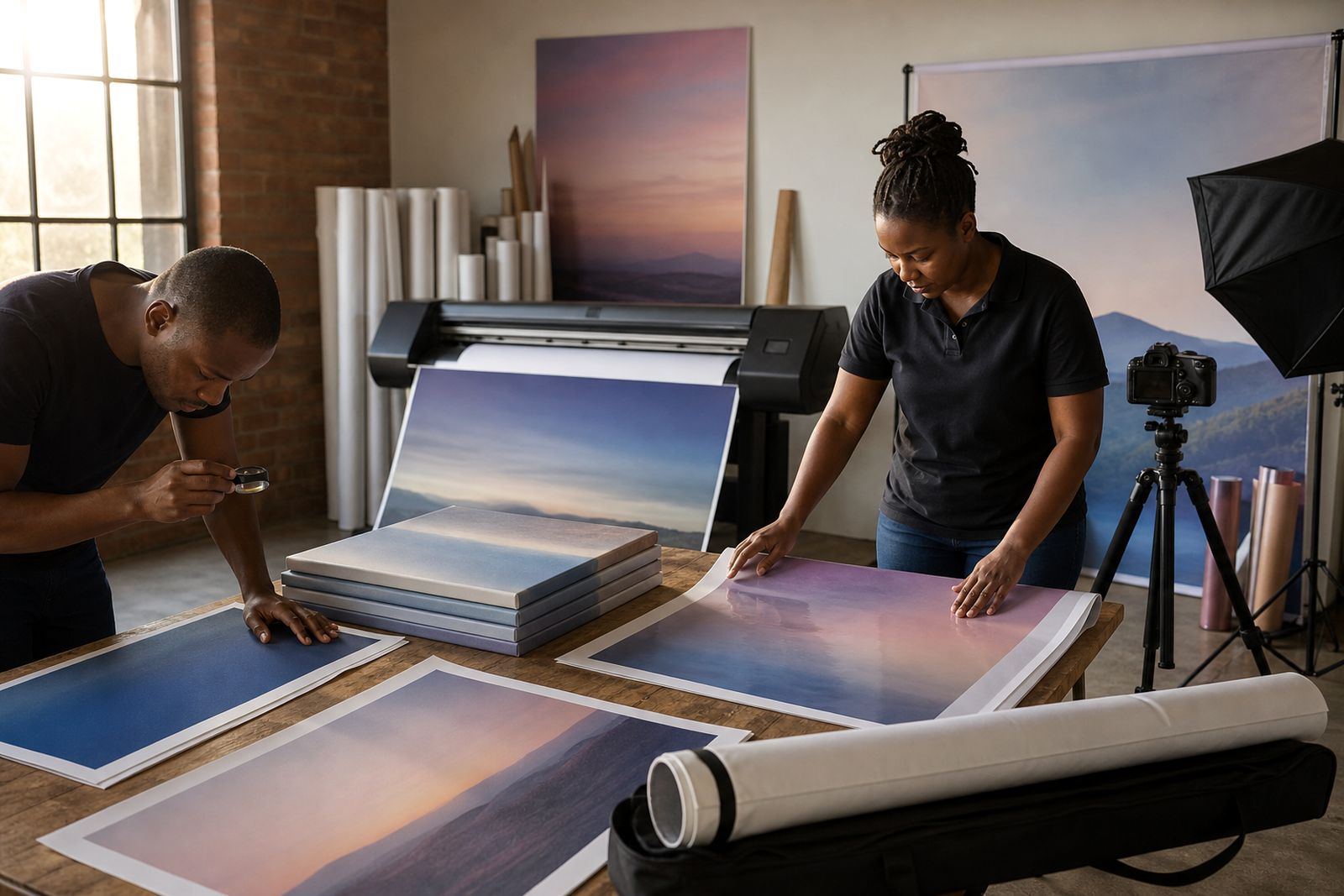
Tell us about your image job
Send a note through our contact form with what the images are for, the print sizes or channels, the media and finish you have in mind, how many pieces and your area, and we will come back with practical options and a quote.
Open the contact form