

Retail demo day guide
A demo-day briefing for retail teams using Mimage print packs, photo backdrops, and setup sheets to avoid chaotic starts.
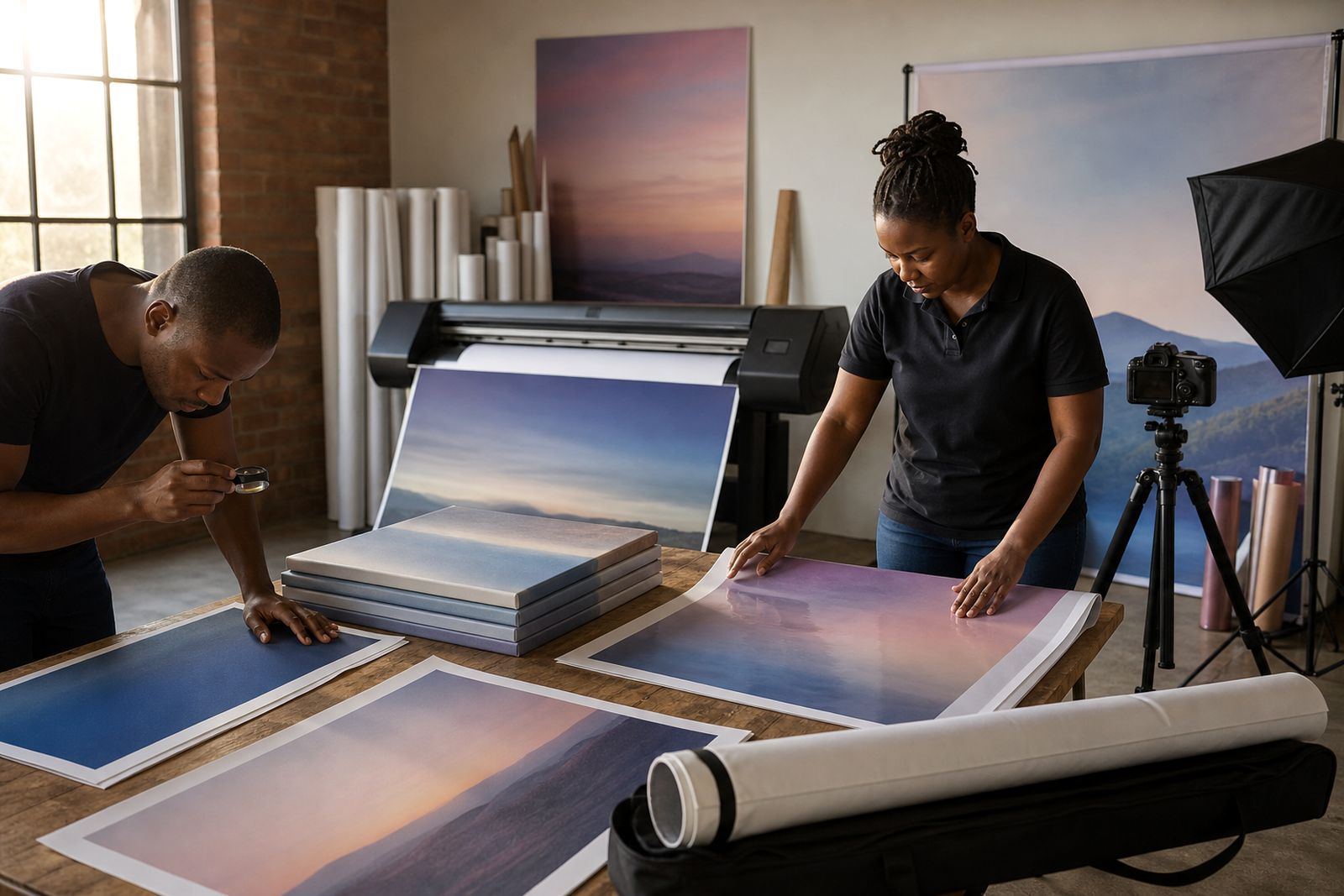
Checks before venue setup
A demo-day briefing for retail teams using Mimage print packs, photo backdrops, and setup sheets to avoid chaotic starts.
Launch days, activations and internal showcases need more than nice visuals. They need the right prints, display items and image sets ready for the room. Retail demo day guide is our note for teams preparing branded material for live use.
Branded spaces are set up before doors open. We focus on what must be in the boxes, what needs to be on the wall, and which image files must match the latest campaign. If it matches your rollout, mention retail demo day guide in the contact form.
- Venue access time confirmed
- Current display photo added for spacing and branding checks
- Approved artwork folder shared with final filenames visible
- On-site contact named with store or event role
Use this note alongside the relevant print, shoot, or framing pages when planning a live setup. Retail demo day guide deals with the handover moments that affect opening, from packed graphics to the reference image the team follows on site. It is less about campaign theory and more about what reaches the room ready to use.
How demo day helps retail teams
Retail demo day guide is for retail and activation teams using Mimage print packs, photo backdrops and setup sheets on site. It covers the practical checks that help a branded space open with the right visuals in place.
Start with the display pieces that must be visible first, such as counter cards, backdrop panels, mounted prints, or price visuals. Then check quantity against the venue layout, because a mall activation, training room, and retail launch all use space differently. For Johannesburg, Durban, Cape Town, and smaller centres, weather, travel time, and power interruptions can change how material is packed and reviewed.
Bring a layout of the intended setup, even if it is from a previous activation. That layout helps the team place frames, backdrops, and print items in the right order when multiple boxes arrive together. It also reduces version mix-ups when an older visual is still in storage at site level.
What the team carries out
The useful outcome is a kit that can be unpacked and checked without guesswork. That usually includes labelled prints, the right image set, setup sheets, and a final visual reference for the room. Clear packing beats extra creative options that never make it onto the display.
Check the matching notes for shoots and frames if the event setup includes fresh imagery or mounted pieces. Before dispatch or collection, compare the packed items with the setup sheet and the approved visual list one more time. Imaging work is planned from the finished size, the number of pieces and where each print will hang.
- A kit built for that activation
- Opening setup checked against one reference photo
- Store and event contacts recorded clearly
South African trading conditions to note
Planning for retail demo day often depends on access windows, dispatch timing, and centre rules that differ by location. East Rand freight collections, Sunnyrock dispatch points, Crown Mines production movement, and tight trading hours in smaller Gauteng centres can all affect when branded material lands on site. Separate one-off launch material from recurring stock so the team knows what must move first.
Coastal humidity can affect how prints and display boards should be wrapped before use. Inland dust shows quickly on dark frames, gloss surfaces, and photo backdrops, especially under retail lighting. During load-shedding periods, proofs and final setup checks need to be scheduled around available power and store readiness.
Demo day handover notes
A demo-day briefing for retail teams using Mimage print packs, photo backdrops, and setup sheets to avoid chaotic starts.
Record the sign-off time, approved artwork version, and dispatch method before stock leaves for site. Keep this sheet with the PO, setup notes, and source files so retail teams can match every print, backdrop, and visual reference during retail demo day guide.
What our Imaging and Print customers say
Verified Google reviews
Also worth a look
Tell us about your image job
Send a note through our contact form with what the images are for, the print sizes or channels, the media and finish you have in mind, how many pieces and your area, and we will come back with practical options and a quote.
Open the contact form