

Warehouse visual pack
Warehouse visual packs support stock, picking, and dispatch with practical images, labels, and print items.
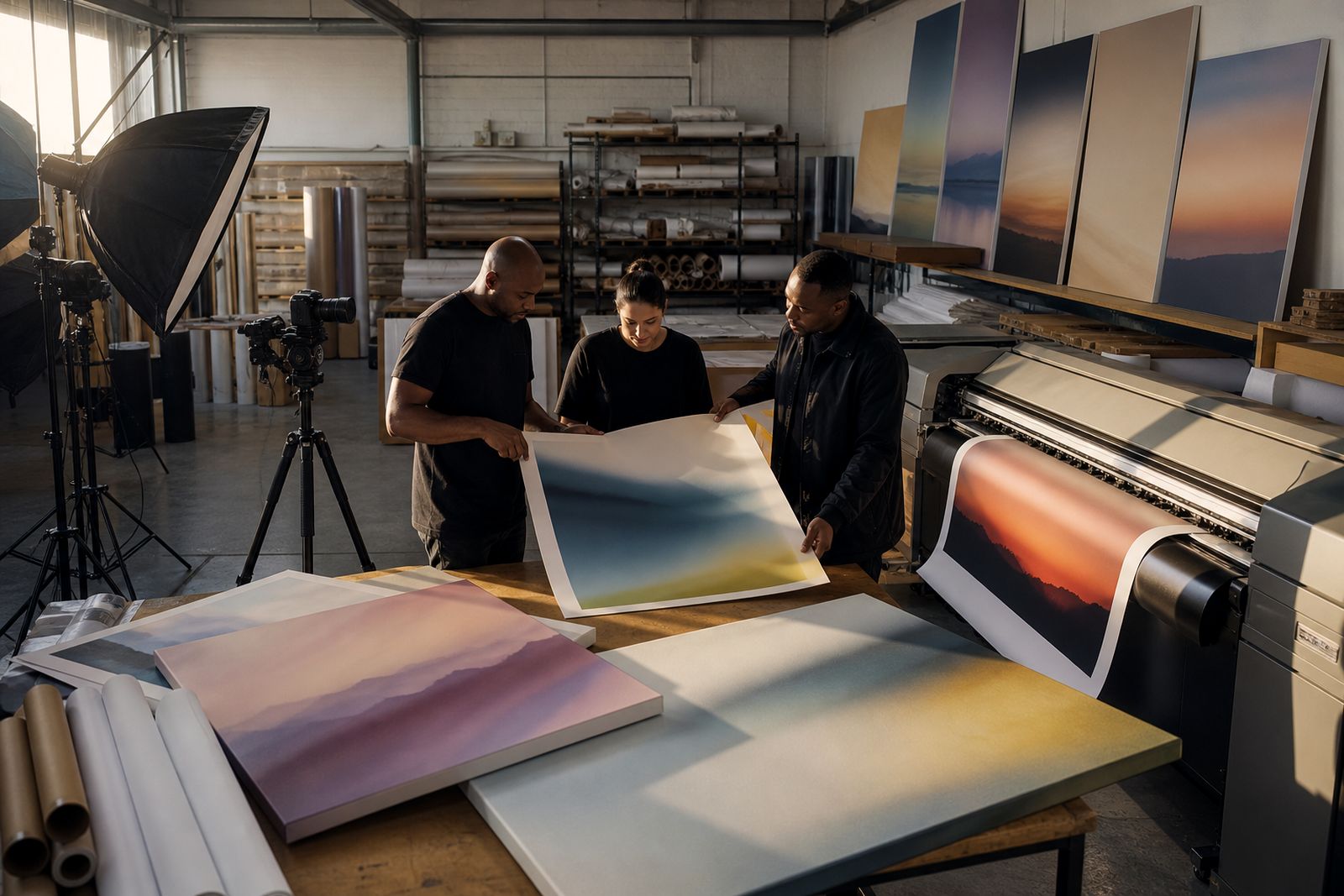
How a warehouse visual pack supports fulfilment photo coverage
Warehouse visual pack suits stock, picking, and dispatch environments where visuals need to be practical. Use it for image sets, labels, and print items that support warehouse operations on the floor.
Warehouse visual pack starts with the site, the aisles, and the movement you need shown. Racking height, sodium or LED lighting, pallet traffic, and scanner use all change how warehouse visuals should be planned. For South African ops teams, that usually means image sets and print pieces that can be read quickly in Johannesburg, Durban, Cape Town, and outlying depots.
Begin with one photo of the actual dispatch, picking, or bulk stock area. Include a short sheet that stays with the job file, so bin labels, bay names, and handling notes match the images later. That record helps when shift supervisors, print buyers, or receiving staff need the same version on hand.
Warehouse pack outputs on site
Warehouse visual pack is built to leave the team with usable coverage of stock handling points, plus print-ready notes for labels or visual kits. The value is in showing how goods move through receiving, storage, picking, and dispatch without mixing one zone up with another. Clear naming on every file matters when a branch needs the correct image set against the correct area.
Match the pack to the right bay, cage, shelf run, or dispatch lane before adding extra shot requests. Review label copy, location names, and any printed inserts against what staff use on site, then send the brief through the contact form. Name the area where the print pack or visual kit will be used.
- Visuals for receiving, picking, and dispatch
- Reference shot captured before traffic starts
Conditions inside SA warehouses
Plan around truck arrivals, branch transfer times, and busy dispatch windows at major Gauteng and coastal sites. Warehouse visual pack works better when the brief names the active area, the quietest shooting window, and any safety limits around forklifts or cages. If existing SKU sheets, shelf labels, or image libraries are in use, attach those with the request.
Near the coast, labels and paper inserts can curl if cartons sit in humid receiving areas before the shoot. In Gauteng and other inland sites, dust settles quickly on shrink wrap, bins, and tape lines, so a wipe-down check matters before photography starts. During load-shedding windows, battery lights, scanner screens, and dock activity all affect what can be captured cleanly for warehouse records and print references.
What to send for a warehouse visual pack
Send the brief with warehouse photos, movement timing, and any print or labelling issues already disrupting flow. Use a subject line that names the site.
Send bay photos, movement timing, and any trouble points with current labels, signs, or printed warehouse materials. Add site names, stock types, and the exact zones to be covered, so the shoot pack reflects how that operation actually runs. If there is a handover file for ops or procurement, keep it with the same set of supporting images.
What our Imaging and Print customers say
Verified Google reviews
Also worth a look



Tell us about your image job
Send a note through our contact form with what the images are for, the print sizes or channels, the media and finish you have in mind, how many pieces and your area, and we will come back with practical options and a quote.
Open the contact form