

Pinetown rollout guide
Visual rollout guidance for Pinetown branches, with practical print and image use on South African sites.
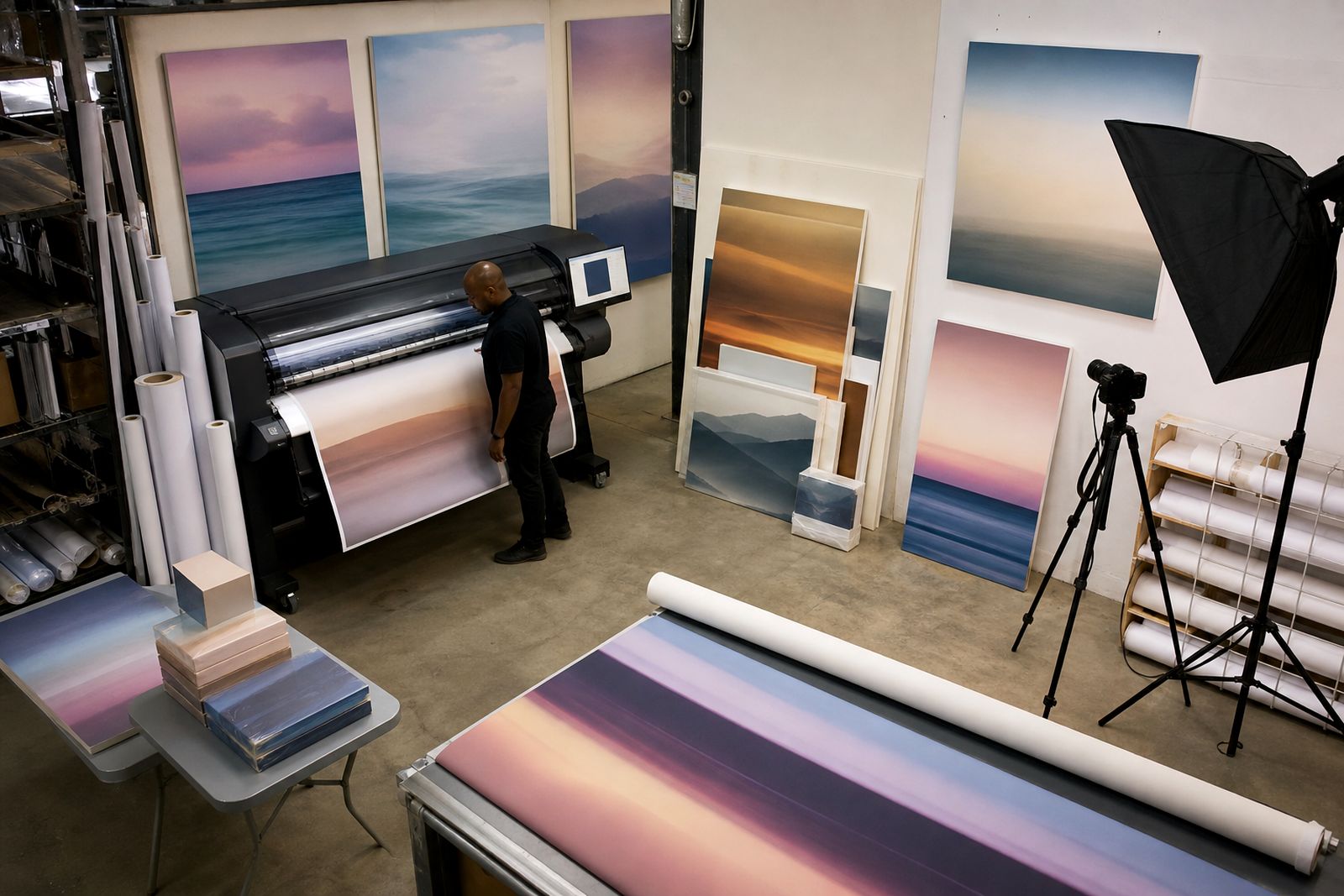
Pinetown rollout visuals in use
Pinetown rollout visuals support practical print use and image material for site teams. It is suited to jobs where branded assets must be easy to place, check, and hand over.
For a Pinetown rollout, start with the exact panel, size, and where each printed piece will be installed. Durban humidity, roadside dust, generator periods, and branch delivery timing all influence image selection, print stock, and packing for site handling. This set is built for South African rollouts where teams need clear visuals before material leaves the depot.
Use one current reference image before any reprint or replacement is booked. The Pinetown rollout visuals work best when the photo, mark-up note, and item list stay with the stock file or purchase record. That helps site staff check placement, branding, and finish without guessing from an old attachment.
Outputs for a Pinetown rollout
The Pinetown rollout visuals give you checked visuals, print references, and a handover list tied to the required branded elements. It is arranged for ordering, site prep, installation checks, and final close-out. Each part is there to reduce mix-ups between artwork versions, sizes, and placement points.
Match the Pinetown rollout with the related shoot record and the correct frame entry before adding extra print items. Review the final visual kit once more before dispatch leaves the building. Imaging work is planned from the finished size, the number of pieces and where each print will hang.
Rollout conditions across SA sites
Pinetown jobs often need planning around mall access times, regional delivery schedules, and the handover rules used by branch teams. Existing artwork libraries, previous print specs, and old site photos should be flagged at the start. Keep urgent replacement pieces separate from the standard rollout list so the kit stays easy to track.
Coastal air in KwaZulu-Natal can affect how printed panels, labels, and sample pieces are stored before installation. Dust from inland routes can show up quickly on display items when photos are taken for checking. Load-shedding also changes proofing windows, so approvals should be tied to the actual print-ready file and not a screen grab.
Notes to send for Pinetown rollout guide
Share the Pinetown rollout brief with reference images, site timing, brand application notes, and the pack components needed. A simple subject line keeps the job easy to track.
Record the site findings while the frame sizes, print positions, and brand application points are still fresh. When sign-off is needed, send the project note with the marked reference images and the supporting files used for the set.
What our Imaging and Print customers say
Verified Google reviews
Also worth a look

Tell us about your image job
Send a note through our contact form with what the images are for, the print sizes or channels, the media and finish you have in mind, how many pieces and your area, and we will come back with practical options and a quote.
Open the contact form