

Media guide
A practical guide to media guides for South African campaigns, setting out file types, image sizes, crop rules, and brand use across channels.
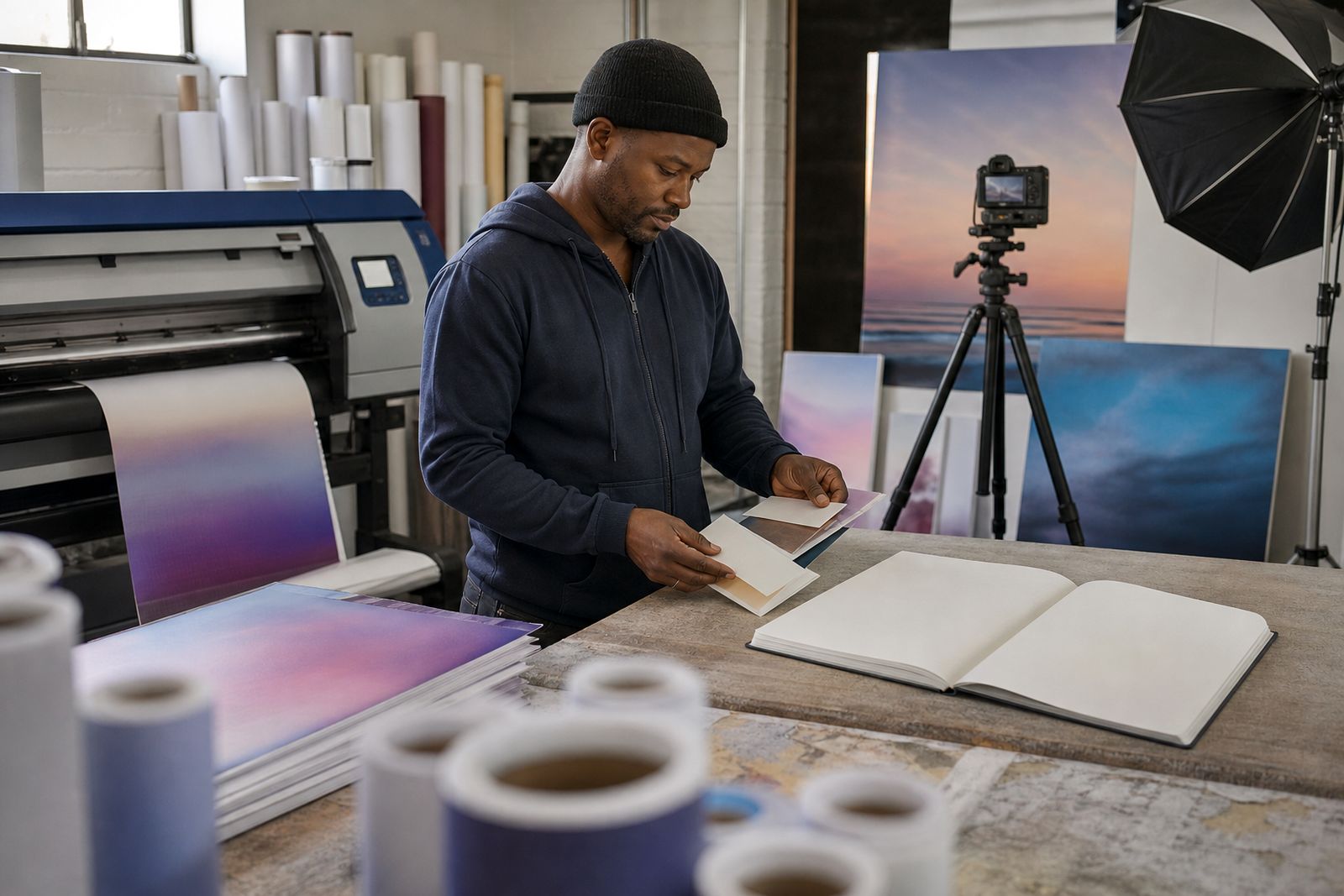
How media guide supports your print pack
The media guide sets out the basics for file types, image sizes, crop rules, and brand use across channels. It gives South African brand teams one reference point before images and artwork are sent out.
A media guide should state where each image will appear before files are exported. A billboard crop, an A4 price card, and a phone screen do not share the same safe area. For South African campaigns, it also helps to note whether stores, agencies, printers, and media owners are all pulling from the same approved set.
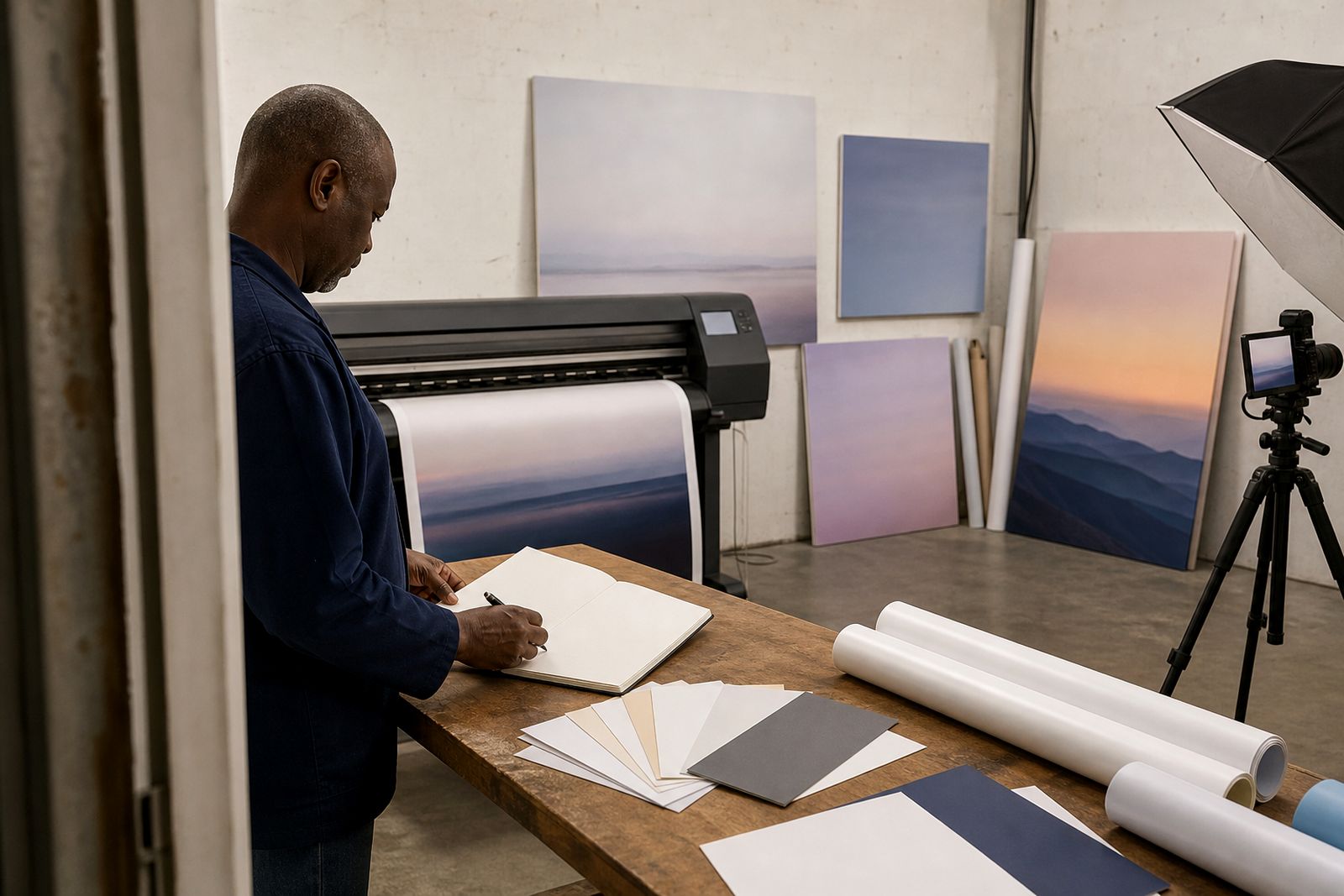
Reference images belong at the top of the guide, not buried in a folder. They show retouching level, background treatment, pack angle, and how much white space the brand accepts. That record is useful when a branch requests a resize or a printer queries whether a logo may sit closer to the trim.
File rules for campaign assets
Use the guide to pin down master file types, export sizes, and naming before artwork leaves the studio. Include pixel dimensions for digital placements and trim size with bleed for print work. One clear document prevents old JPEGs, flattened PDFs, and off-brand crops from circulating between teams.
Add linked examples for resized ads, shelf talkers, menu boards, and social crops so the media guide reflects actual brand use. Before sharing the pack, check logo clearance, colour profile, and whether every image caption matches the latest artwork version. If you use our contact form, include one current sample that shows the format in use.
- Approved sizes for each output
- Crop zones marked on key visuals
- Image specs sent with context
File, format, and channel checks
Media plans here often cross retail, outdoor, in-store print, and social in one push. The guide shows which files go to Johannesburg agencies, which artwork reaches Durban or Cape Town printers, and what version is held for smaller regional installs. If there are Afrikaans variants, legal lines, or retailer-specific layouts, list them clearly beside the main asset.
Large-format print needs viewing distance and substrate considered before images are signed off. Window vinyl, foam board, and paper inserts do not carry detail in the same way, especially under store lighting or direct sun. Load-shedding can also disrupt proofing sessions, so version control matters when teams reopen files later in the day.
What to include in the guide
Prepare the media guide with reference photos, delivery timing, and any artwork or output problems already picked up. Keep the subject line plain and specific.
Record colour intent, retouching limits, minimum logo size, and any no-go areas on pack shots or lifestyle images. Add notes for portrait and landscape use, plus instructions for cut-downs where copy may expand in different placements. When buyers or brand managers ask for sign-off, keep the guide with the artwork set and the latest visual references.
What our Imaging and Print customers say
Verified Google reviews
Also worth a look
Tell us about your image job
Send a note through our contact form with what the images are for, the print sizes or channels, the media and finish you have in mind, how many pieces and your area, and we will come back with practical options and a quote.
Open the contact form