

Retouch pass specs
Retouch pass specs set out image corrections, clean-up points, file delivery, and final use for supplied visuals.
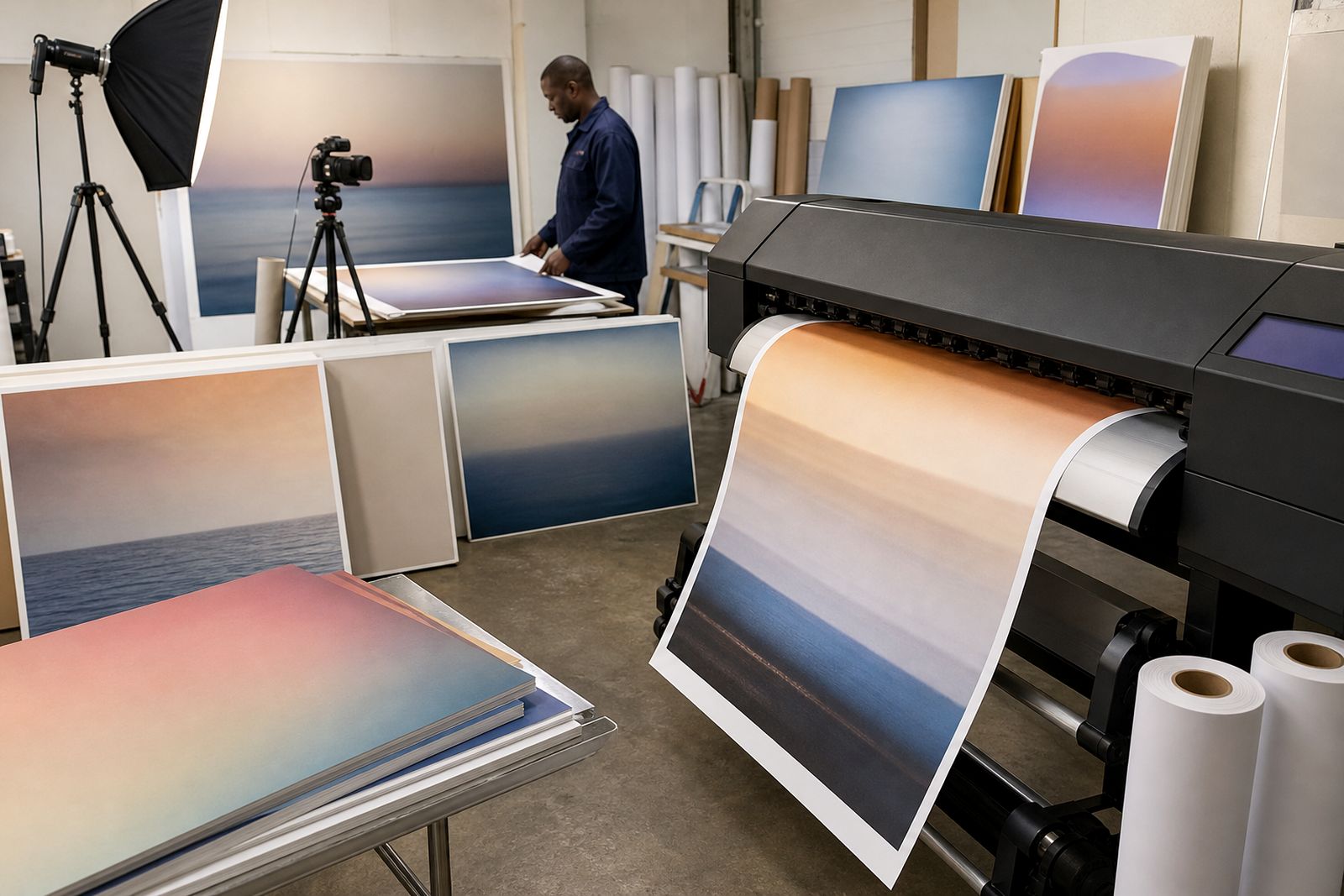
Retouch scope and finish points
The retouch pass specs set out the finishing scope for supplied images. Use it to define corrections, clean-up points, file delivery, and how the final visuals will be used.
List each supplied image, its intended crop, and the final use before retouching starts. For South African retail and brand work, note whether the file is headed for print packs, online catalogues, shelf talkers, or in-store visual kits, because that changes how closely colour, edge clean-up, and background consistency are checked.
Include one approved reference image where possible, even if it only confirms tone or product positioning. Mark any non-negotiables such as label text, pack colour, skin detail, shadows, reflections, or dust removal so the retouch pass stays within the brief and does not drift into a rebuild.
What the spec must cover
A proper retouch pass spec should state correction level, output size, file format, and naming convention for every visual. It should also note whether clipping, background knockouts, texture clean-up, straightening, or minor compositing are required, especially where one image set must serve both print and digital use.
Before sending the brief, confirm if the supplied files are RAW, JPEG, TIFF, or exports from an earlier edit, and note any brand guide that affects colour or finish.
- Named outputs for each final image
- Dust, scratches, creases, and edge checks
- Usage notes for print and screen
Checks for South African production
Retouch specifications should account for how visuals will reproduce across local print conditions, from short-run inserts to large format point-of-sale. Deep blacks, fine tints, and subtle skin corrections can shift between devices, so it helps to flag where colour accuracy matters most and where visual consistency across a range matters more than exact matching.
If images are being used across branches in Johannesburg, Durban, Cape Town, and smaller centres, keep file versions tightly labelled to avoid mix-ups at handover. Note whether store lighting, window glare, reflective packaging, or metallic inks influenced the original shoot, because those details affect what should be corrected and what should stay natural.
Briefing details to include
State the image count, deadline sequence, and any files needed first for approval or layout placement. Add notes on product defects that may be corrected, and separate those from features that must remain visible for accuracy.
Record final approval against the exact filenames supplied for retouching, not against screenshots pulled from chat threads. When buyers, studios, or printers need sign-off, keep the specs with the supporting brief so everyone is working from the same correction list.
What our Imaging and Print customers say
Verified Google reviews
Also worth a look

Tell us about your image job
Send a note through our contact form with what the images are for, the print sizes or channels, the media and finish you have in mind, how many pieces and your area, and we will come back with practical options and a quote.
Open the contact form